Overview
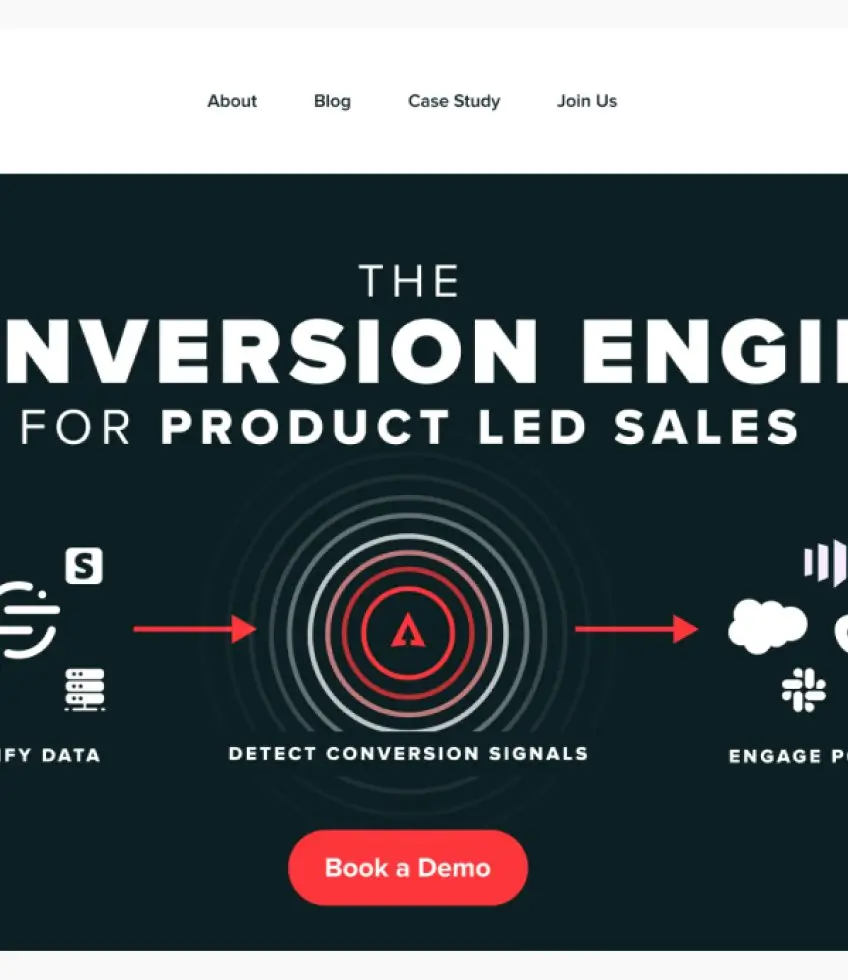
HeadsUp — the team behind a product they call their "Conversation Engine" — came to Figmafy with a finished Figma design and a very specific technical constraint: the site had to live inside their existing WordPress and Netlify environment, with the frontend running directly from GitHub. They weren't starting fresh; they needed a partner who could slot precisely into a live production stack without disrupting it.
Two competing agencies had already quoted the project. Both were too slow and too expensive. HeadsUp found Figmafy and decided to give it a shot.
The challenge
The HeadsUp brief was technically demanding from the first conversation:
- The frontend deployment ran from GitHub into Netlify — any build had to be compatible with that existing pipeline and respect the Git access model already in place
- Every page field needed individual custom field control so the client team could edit content without touching code
- The design called for three distinct section variations plus a dedicated icon section, all of which needed to be available to non-technical editors
- Editors also needed a dynamic section management interface — a simple "+" mechanism to add new content blocks without developer involvement
- The project required full Gravity Forms integration, wired correctly into the WordPress back-end
Getting all of that right in a custom WordPress build — inside an existing Netlify/GitHub stack — is the kind of project where the details matter more than the headline.
The technical environment was already fixed. Figmafy's job was not to recommend a different stack — it was to deliver a build that worked seamlessly inside the one HeadsUp had already built their infrastructure around.
Our solution
We began with a thorough audit of the existing GitHub repository and the Netlify deployment configuration so we understood exactly how the stack was wired before writing a single line. From there, the build followed a clear sequence:
- Environment mapping. We reviewed Git access, confirmed the Netlify build hooks, and identified where custom WordPress fields would need to surface in the frontend without breaking the deployment pipeline.
- Field architecture. We built individually controlled custom fields for every editable section in the design — headlines, body copy, images, CTAs, and icon sets — so editors had granular control over every element without needing developer access.
- Section variations & dynamic add. We implemented all three section variations from the Figma spec and built the "+" dynamic section management interface, giving editors the ability to add, reorder, and remove content blocks themselves.
- Icon section & Gravity Forms. We built the icon section to match the design spec exactly and completed the full Gravity Forms integration — form logic, field mapping, and submission handling wired into WordPress.
- QA & handover. We tested the complete build across the deployment pipeline, confirmed all fields worked correctly in the WordPress editor, and handed over with clear documentation.
Technologies used
- WordPress — custom build with individually controlled fields throughout
- Netlify — existing deployment target; frontend served via the established pipeline
- GitHub — existing source repository; our build was committed into the client's workflow
- Gravity Forms — full integration for contact and lead-capture forms
- Figma — original design source, matched exactly in the production build
Results
The project was complete in one week — inside the same timeline HeadsUp had been hoping for when they first went looking for a development partner. The build cost 30% less than the lowest quote they had received from other recommended agencies, and it was delivered in a fraction of the time those agencies had projected.
"Was looking for an agency to turn my Figma mocks into a functioning site, FigmaFy did it at 30% the price of what other recommended agencies were charging me and got it done in a fraction of the time." — Samantha Menon, Product Manager, HeadsUp
HeadsUp now has a site that lives comfortably inside their existing infrastructure, gives their editors full content control, and cost them significantly less than the alternatives they were considering.
Explore our Figma to WordPress service to see how we work, or get a free quote and tell us about your project.